The ad-free photo vault
Your private photos, truly safe.
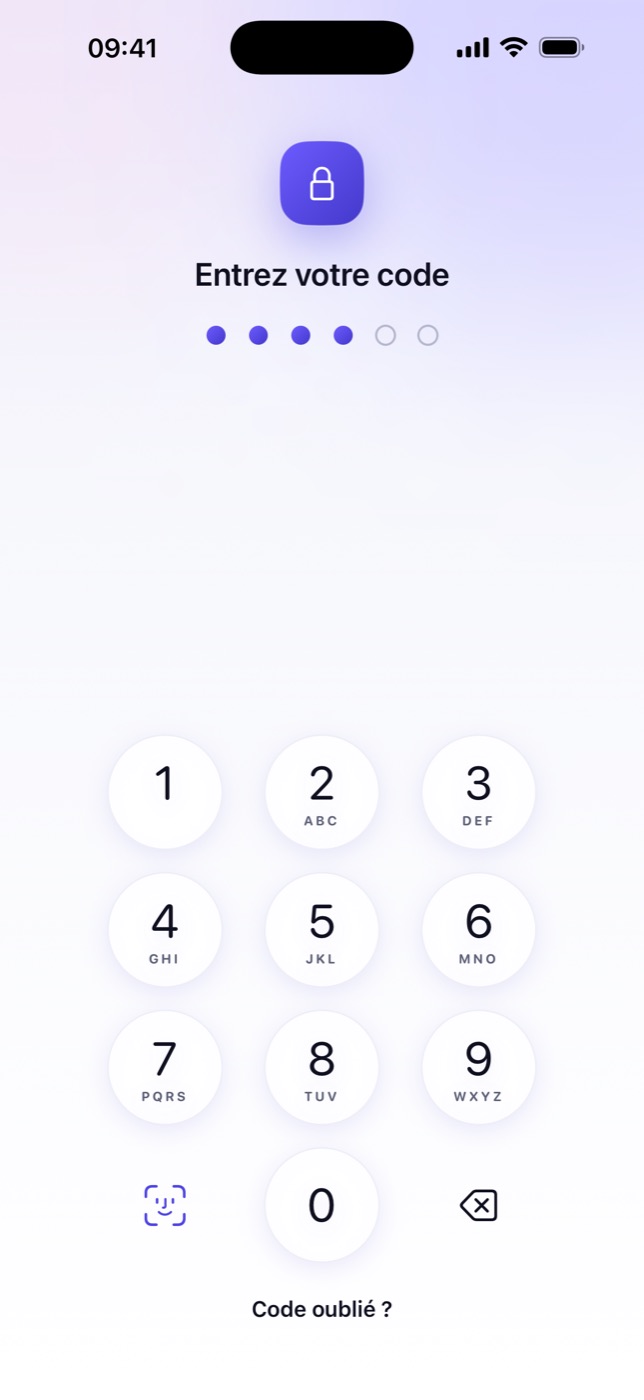
Hidely locks your photos and videos in an encrypted vault right on your iPhone. No account, no ads, and nothing ever leaves your device.
AES-256 encrypted
Face ID
No ads
The ad-free photo vault
Hidely locks your photos and videos in an encrypted vault right on your iPhone. No account, no ads, and nothing ever leaves your device.
A friend borrowing your phone, a photo popping up in a preview, a cloud backup you don’t control… Sensitive photos deserve better than a “Hidden” album with no real encryption. Hidely encrypts them on your device, and nobody else holds the key.
Features
The essentials are free. Premium adds backup and extra discretion.
Encrypted vault
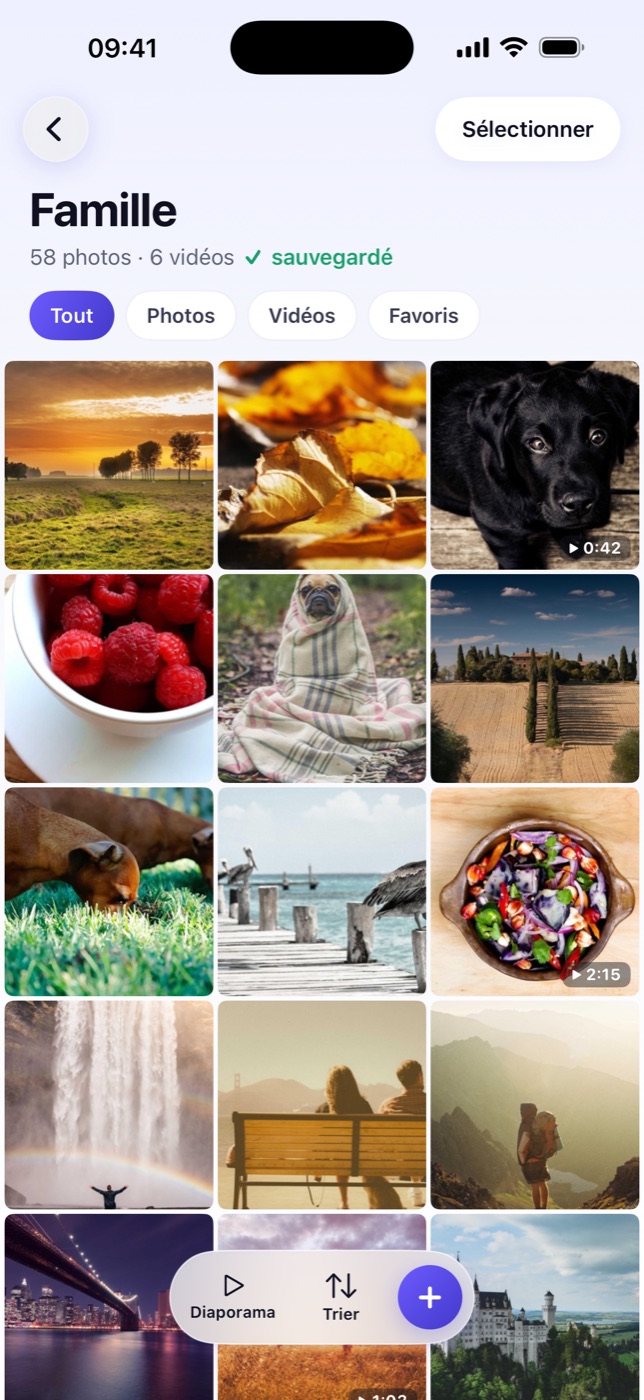
Photos and videos are encrypted on your device and unreadable without your passcode.
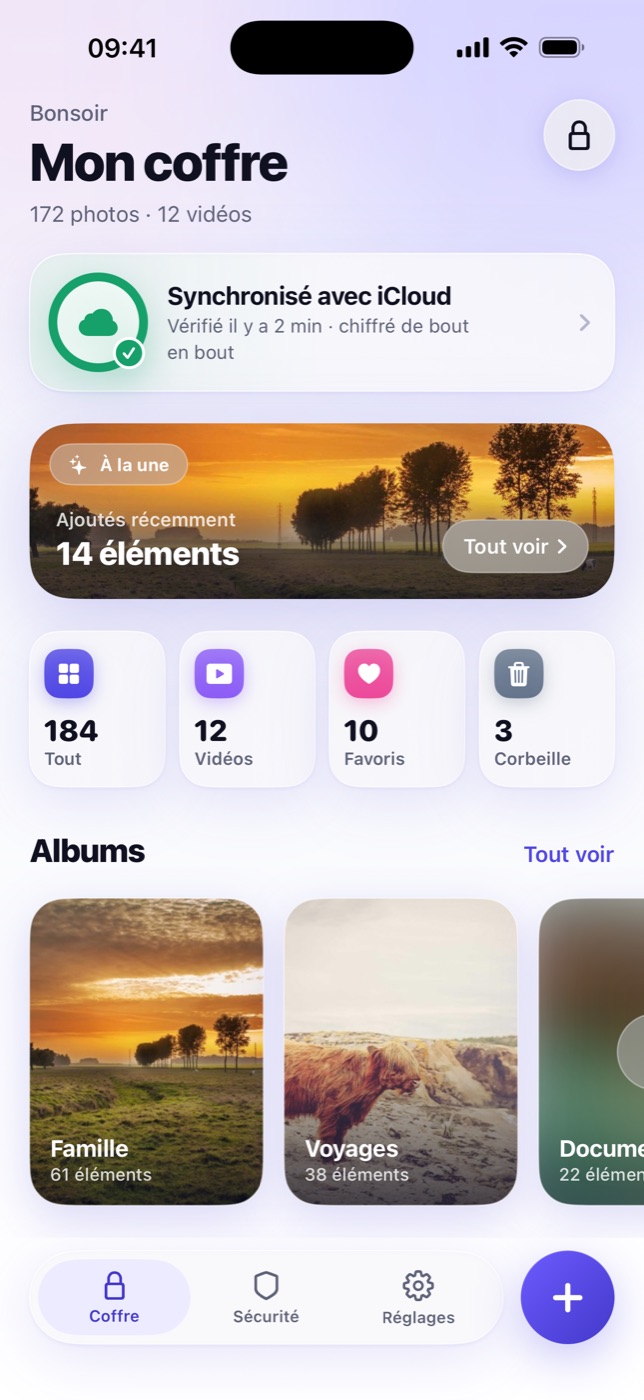
Organize your media and browse it in a built-in viewer.
Discretion
A second passcode opens a different vault. Face ID always opens the real one.
Security
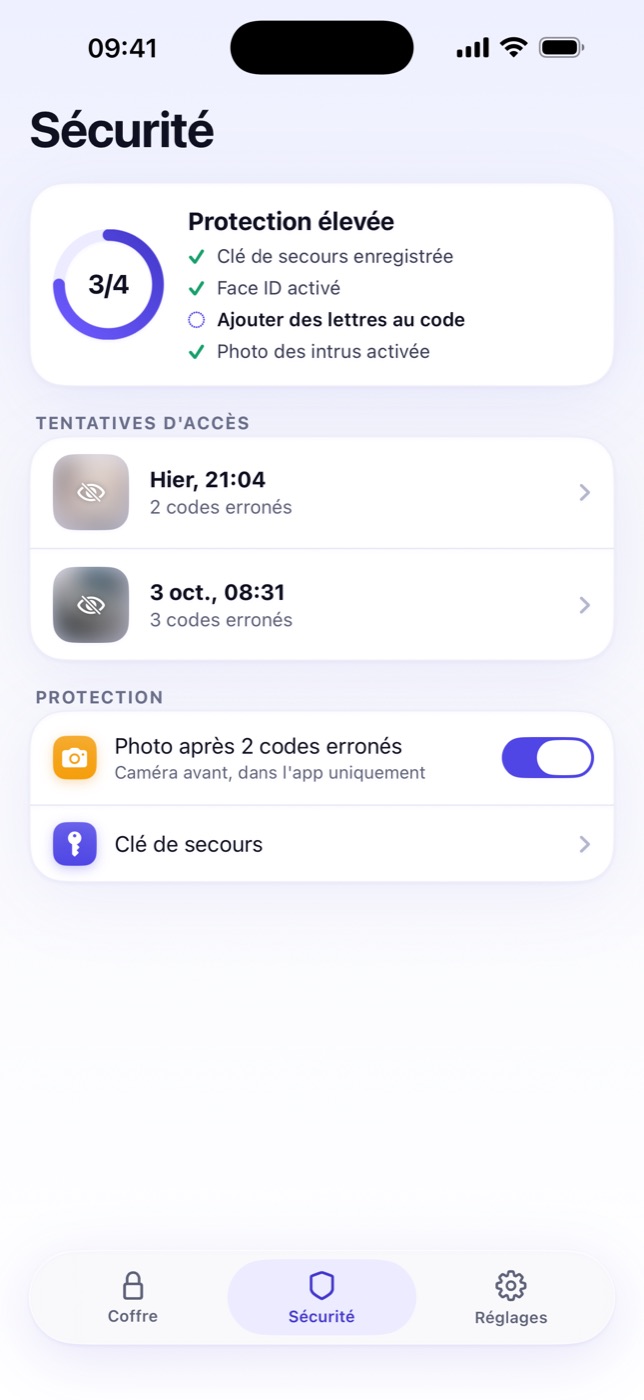
After 2 wrong passcodes, Hidely snaps a photo of whoever is trying to get in.
And more
A 6- or 8-digit passcode, or a password, with optional Face ID.
A key to keep safe so you can get back into your vault if you forget your passcode.
Deleted something by mistake? Get your files back within 30 days.
Your content is hidden in the iPhone app switcher.
One vault, designed for both iPhone and iPad.
Stored in your own private iCloud, encrypted before it leaves your phone. Restoring is always free.
Notes, Weather or Calculator: the app blends right into your home screen.
No more 100-file cap of the free plan.
Your privacy, no compromises
If you turn on backup, everything is encrypted before it’s uploaded. Neither we nor Apple can read it.
No ads, no trackers: the code only talks to your iPhone.
No account, no email, no analytics.
3 simple steps
Pricing
FAQ
Yes, for up to 100 photos and videos, with no ads and no account. Premium unlocks unlimited storage, encrypted iCloud backup, the decoy vault, intruder selfie and disguised icons. The yearly plan includes a 14-day free trial.
They stay encrypted on your iPhone. If you turn on Premium backup, an encrypted copy goes to your own private iCloud, unreadable to us and to Apple.
Use your recovery key, generated when you created the vault. Without a passcode or key, the data is out of reach: that’s the price of real encryption, so keep it somewhere safe.
With Premium iCloud backup, install Hidely on the new device and restore your vault. Restoring is always free, even after your subscription ends.
Open Settings › your name › Subscriptions, tap Hidely then Cancel Subscription, at least 24 hours before the trial ends. Deleting the app does not cancel the subscription.
A second passcode opens a different vault with other photos, for when you’re forced to unlock the app. Face ID always opens your real vault.
Coming soon · iPhone & iPad · iOS 17+